最近用Flutter有一段时间了,从刚开始不习惯,到慢慢觉得除了xml原来还有其它还不错的形式来组织UI逻辑,刚开始还不停到找有没有html to flutter的方案。但显然如同官方开发组那条issue写的,你只是习惯用xml写UI了。
这是关于Flutter的第二篇。
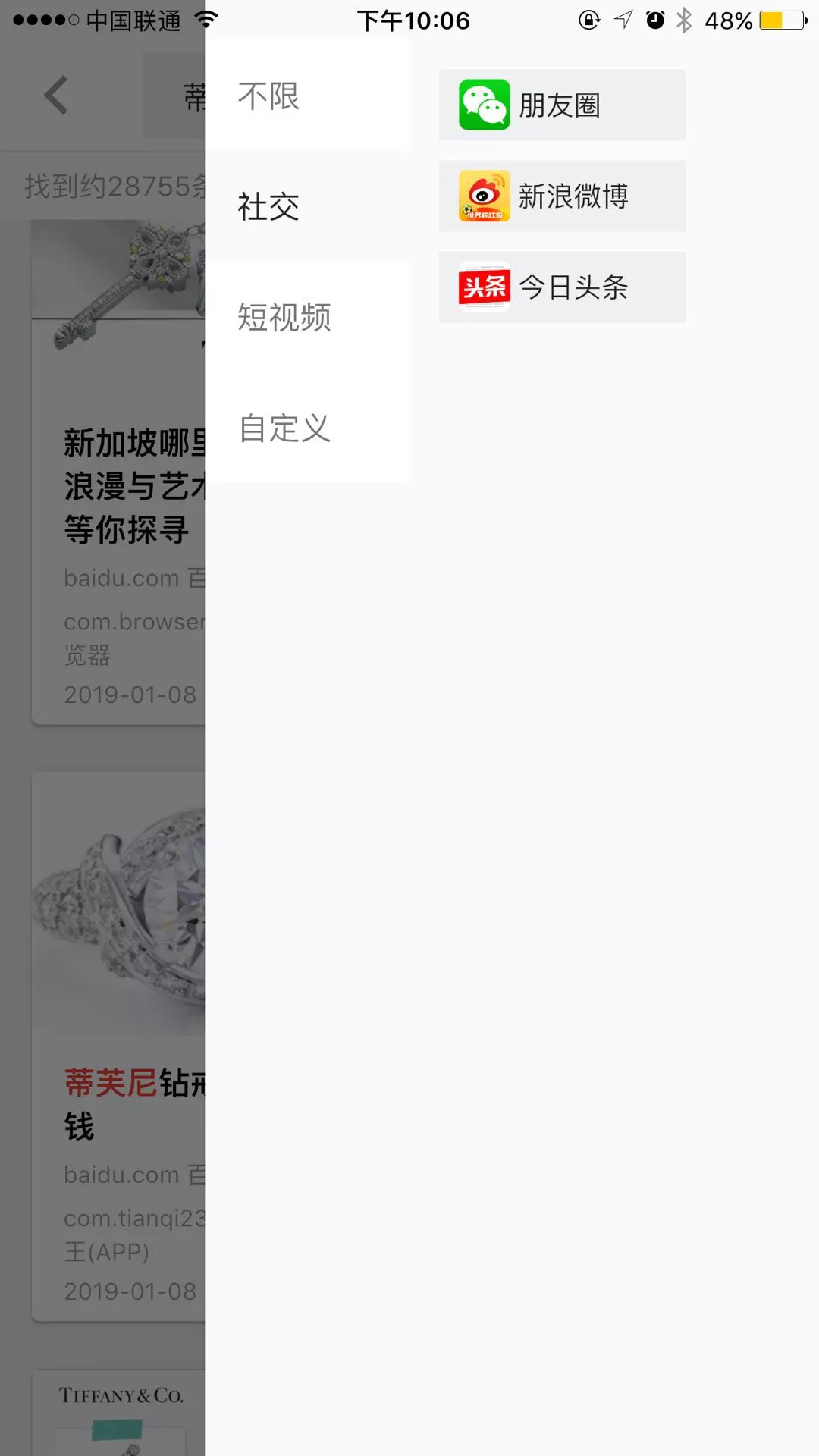
在写搜索结果页的时候,对结果集进行筛选。大致逻辑点击筛选按钮从右侧推出一个面板,然后选定筛选条件。
看了一圈官方的widget,没有这样的widget囧,这可怎么办呢,写一个右侧推出的面板至少涉及到动画过渡控制 + 弹出层,这对我刚用flutter没几天的小伙子显然有点难以想象,知识的边界!
正当我咬牙切齿无从下手的时候,突然biu:
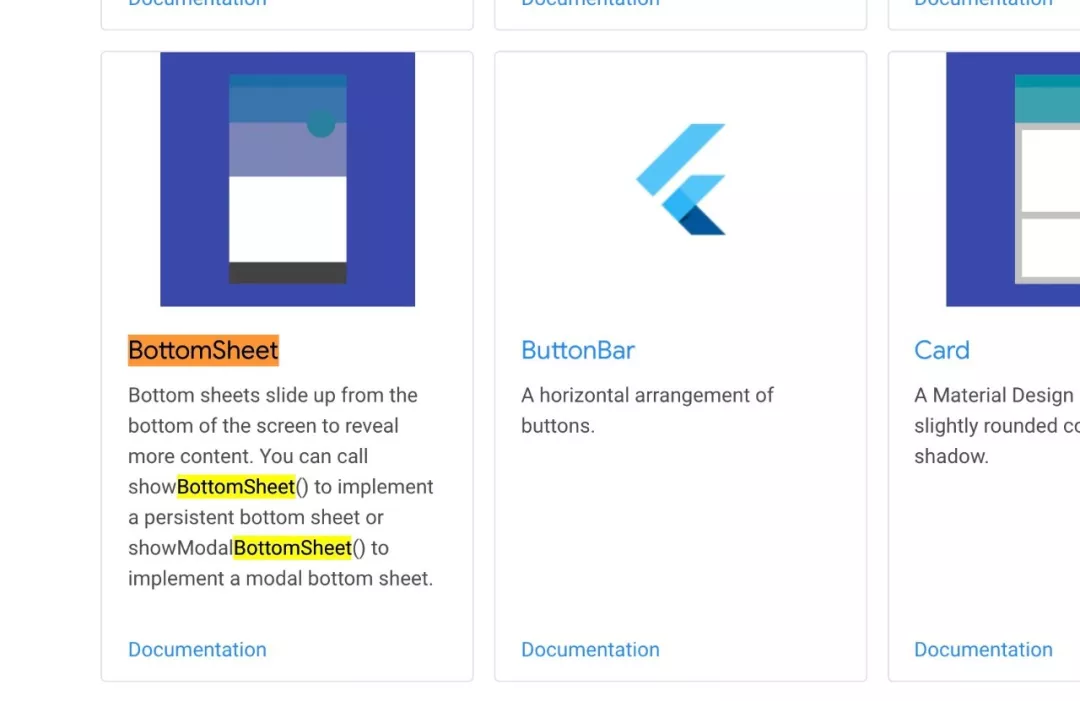
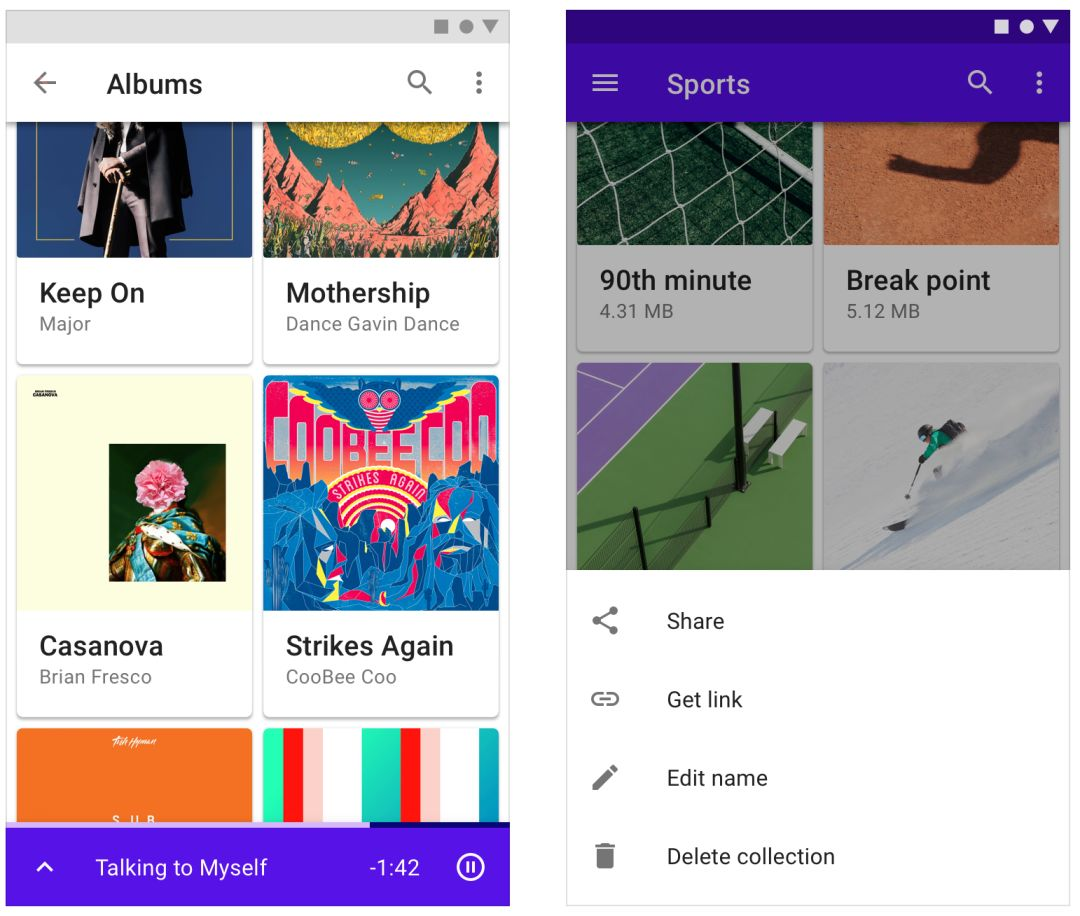
发现一个叫BottomSheet的组件,通过showModalBottomSheet名字大概可以猜到应该是个底部的弹出层。尝试了一下:
果然是一个从底部往上推出的面板,这不是我想要的东西吗..只是方向的差异!
顺着 showModalBottomSheet 这个api搜索flutter的sdk包,最终定位到packages/flutter/lib/src/material/bottom_sheet.dart这个文件
1
2
3
4
5
6
7
8
9
10
11
12
13
Future<T> showModalBottomSheet<T>({ @required BuildContext context, @required WidgetBuilder builder, }) { assert (context != null ); assert (builder != null ); assert (debugCheckHasMaterialLocalizations(context)); return Navigator.push(context, _ModalBottomSheetRoute<T>( builder: builder, theme: Theme.of(context, shadowThemeOnly: true ), barrierLabel: MaterialLocalizations.of(context).modalBarrierDismissLabel, )); }
可以看到它跳转到_ModalBottomSheetRoute了
1
2
3
4
5
6
7
8
9
10
11
12
13
14
15
16
17
18
19
20
21
22
23
24
25
26
27
28
29
30
31
32
33
class _ModalBottomSheetRoute <T > extends PopupRoute <T > _ModalBottomSheetRoute({ this .builder, this .theme, this .barrierLabel, RouteSettings settings, }) : super (settings: settings); 这是一个继承PopupRoute的路由 AnimationController _animationController; @override AnimationController createAnimationController() { assert (_animationController == null ); _animationController = BottomSheet.createAnimationController(navigator.overlay); return _animationController; } 初始化了一个动画控制器 @override Widget buildPage(BuildContext context, Animation<double > animation, Animation<double > secondaryAnimation) { Widget bottomSheet = MediaQuery.removePadding( context: context, removeTop: true , child: _ModalBottomSheet<T>(route: this ), ); if (theme != null ) bottomSheet = Theme(data: theme, child: bottomSheet); return bottomSheet; } }
实例了一个_ModalBottomSheet
1
2
3
4
5
6
7
8
9
10
11
12
13
14
15
16
17
18
19
20
21
22
23
24
25
26
27
28
return GestureDetector( excludeFromSemantics: true , onTap: () => Navigator.pop(context), child: AnimatedBuilder( animation: widget.route.animation, builder: (BuildContext context, Widget child) { final double animationValue = mediaQuery.accessibleNavigation ? 1.0 : widget.route.animation.value; return Semantics( scopesRoute: true , namesRoute: true , label: routeLabel, explicitChildNodes: true , child: ClipRect( child: CustomSingleChildLayout( delegate: _ModalBottomSheetLayout(animationValue), child: BottomSheet( animationController: widget.route._animationController, onClosing: () => Navigator.pop(context), builder: widget.route.builder, ), ), ), ); } ) );
定位到_ModalBottomSheetState,发现用了CustomSingleChildLayout,并且传递了一个_ModalBottomSheetLayout 猜测这应该是控制推出方向的。
1
2
3
4
5
6
7
8
9
10
11
12
13
14
15
16
17
18
19
20
21
22
23
24
25
class _ModalBottomSheetLayout extends SingleChildLayoutDelegate _ModalBottomSheetLayout(this .progress); final double progress; @override BoxConstraints getConstraintsForChild(BoxConstraints constraints) { return BoxConstraints( minWidth: constraints.maxWidth, maxWidth: constraints.maxWidth, minHeight: 0.0 , maxHeight: constraints.maxHeight * 9.0 / 16.0 ); } @override Offset getPositionForChild(Size size, Size childSize) { return Offset(0.0 , size.height - childSize.height * progress); } @override bool shouldRelayout(_ModalBottomSheetLayout oldDelegate) { return progress != oldDelegate.progress; } }
果然是计算动画进度下某个时间点的宽高,变化。定义了最小高度从0开始,child高度随着动画进度递增。
如果是从右侧出来只要吧初始高度设为0,宽度随着时间变化。不就达到目的了?
是的,就是这么简单!
顺着CustomSingleChildLayout,PopupRoute,createAnimationController你可以发现flutter动画,布局,路由的更多基础细节,这就回到了上篇说的,很多你遇到的问题都能从内置material包里找到答案。
不知道官方为毛不顺便实现下side sheet,毕竟这个也是md规范里有的东西,大概是想让我们发挥一下吧哈哈?